Company, team and your data
Everything under the account menu, top right.
Company
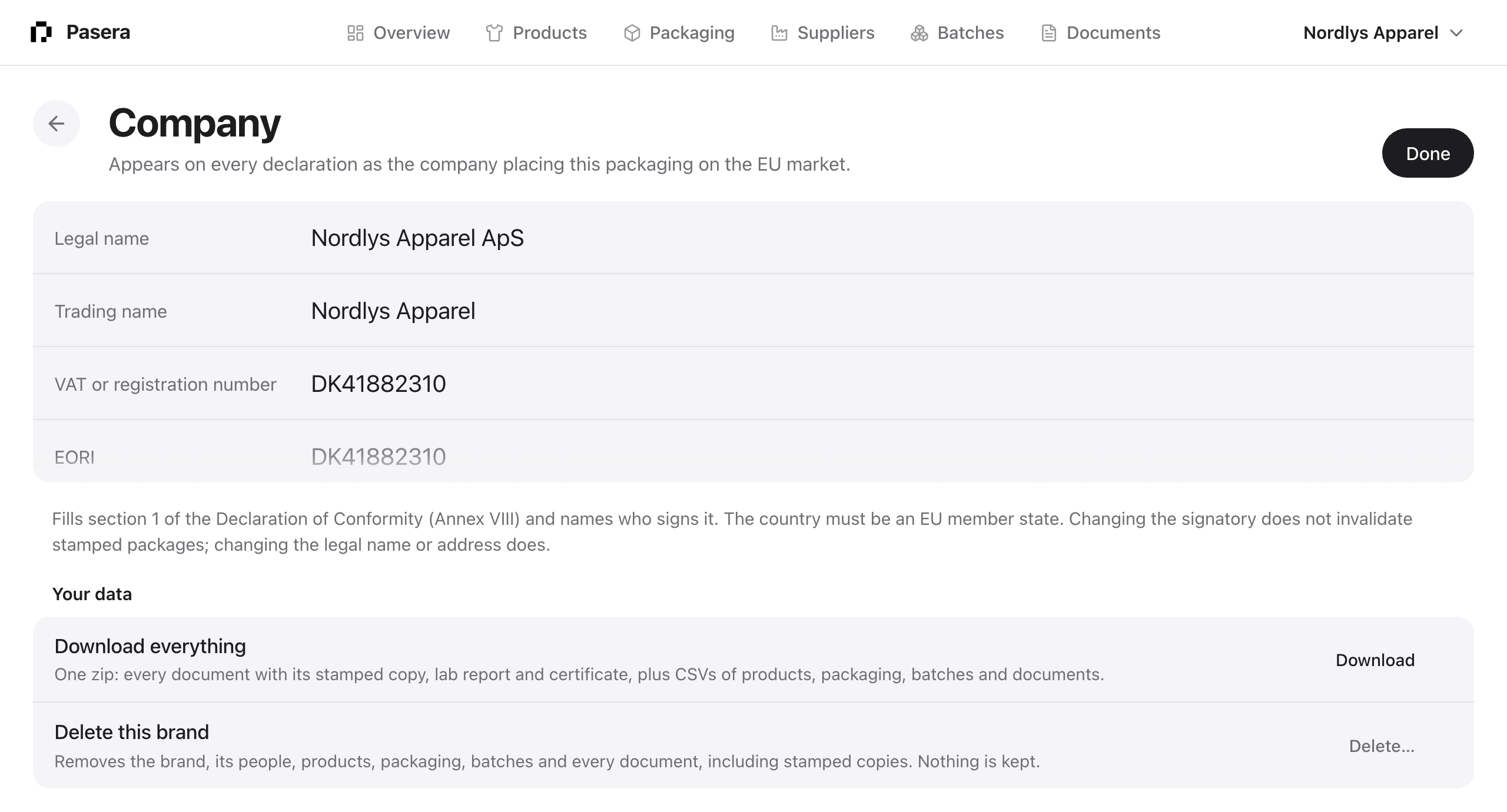
The economic operator on every declaration of conformity: legal name, trading name, VAT or registration number, EORI, address, postal code, city, an EU member state, and who signs with their title. Saves field by field. Changing the signatory does not invalidate stamped packages; changing the legal name or address does.
Your data
Download everything builds one zip in your browser: every document with its stamped copy, every lab report and certificate, and CSV files of products, packaging items, batches and documents. Delete this brand, for owners, removes the brand and everything under it after you type the brand’s name to confirm. There is no undo; download first.
Team
Invite colleagues by email as owner, editor or viewer. Owners change the company, plan and team; editors do the work; viewers read. Seats are free on every plan.
Plan, add-ons and billing
Plans, the add-on switches and what your use costs a month are under Plan and modules and Billing. See Plans, add-ons and billing.
Integrations
Shopify and WooCommerce connectors import products and SKUs. A webhook posts signed events to your own systems: passport published, batch data submitted, certificate expiring, supplier invited. Both are open during early access.
Your account
Your name, email, password, connected Google account and language: English, Dansk or Svenska. The language applies to the app and to the emails Pasera sends you. Email from Pasera sets the summary of what needs you to daily, weekly or off. When it is on you also hear right away when a supplier stamps, uploads a report or asks for a change; when it is off, nothing is sent.
Help
Opens this guide. On a packaging item or passport step, “What is this?” under the title opens the matching section.